How To Set Sale Prices on Light Fish Listings
Sellers can set sale prices on existing listings. If you'd like to set a sale price for a new listing, you'll need to create it first, and then edit it to apply a sale.
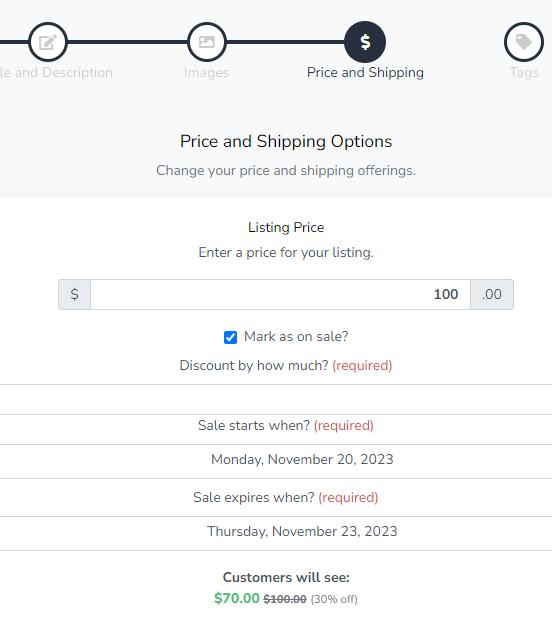
Edit an existing listing, and then navigate to the price and shipping step.
Save your changes

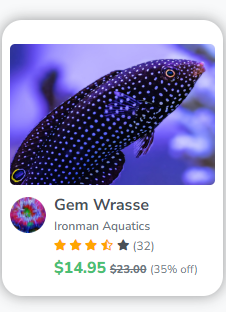
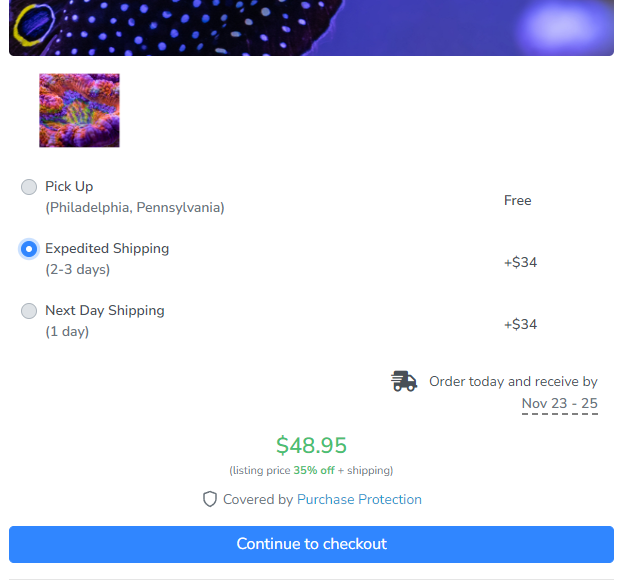
Listings should now show discounted prices.
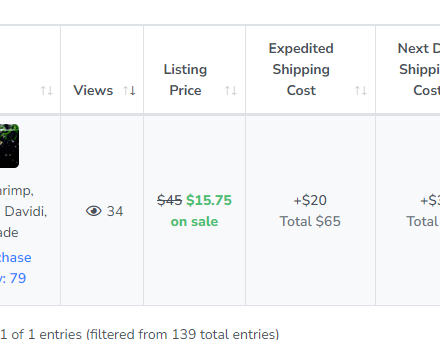
You can view listings that are set as "on sale" in your seller dashboard.
That's it! You've successfully set a sale price on a listing. 🥳
If you encounter issues related to sale prices, let us know by filling out our report issue form.